- What does arbitrary shift mean: The employee says "I will choose this shift from the allowed options" and records the choice at that moment.
- Key simile: Like choosing a seat in the ticket sales system; The empty seat can be selected and the filled seat is disabled for the next person.
- Capacity role: If there is a shift capacity, it can be selected, and if it is completed, the possibility of selecting it is closed for new people.
- Legislation: Pre-defined rules and capacities apply to one's choice; In both methods, the rules of the set are above individual choice.
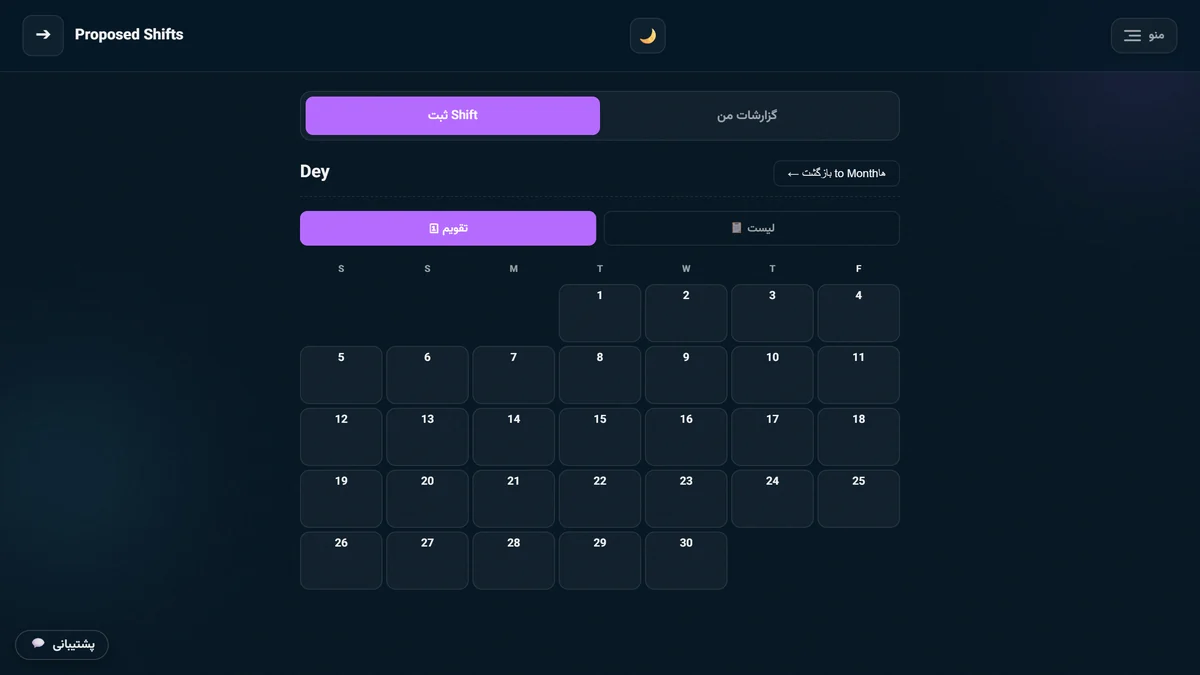
Method What is the desired shift? A choice similar to choosing a ticket seat
When ward rules live inside one person's memory, every month repeats the same cycle of scattered chat requests, manual spreadsheet edits, and night-shift fairness disputes. In this focused 5-minute read, see how head nurses, matrons, and hospital leads move from manual table-building to clear oversight—and test a live ward right away in the interactive shift demo.
Imagine entering the ticketing system: you see a map of the hall, empty seats are highlighted in bright color, sold seats are gray and unclickable, and you can only choose from available seats. Desired shift In the Axis Puls system, it works exactly with the same logic, and it is the second main method of registering a shift request in the system. In this method, employees directly choose their desired option from among the shifts that can be chosen for them according to the rules. The list that each person sees is not a list of all shifts in the department; It is a list that the system allowed for the same person after applying the rules, capacities, role of the person and the conditions of the department.
How is capacity controlled? Full option disables
The simplest and yet most important arbitrary shift rule is the capacity rule: if there is a shift capacity, that shift is selectable, and if the capacity is filled, the selectability is disabled for new people. This behavior has three practical effects. First, Avoid congestion; No shift is filled more than the defined ceiling and the staff mix in each shift remains within the department's standard range. Second, Transparency for employee; Before choosing, a person sees which options are open and which are closed, so he does not waste his energy on unrealistic options. Third, Justice in Access; Because the capacity is filled in the order of the actual selection, no one can take the place of the person who selected earlier by ordering outside the system.
Capacity A shift that is still available is viewable and selectable by eligible individuals.
| Buyer Criterion | Excel & Chat Apps | Generic Time-Clock Tools | Clinical Shift Platform (Axis Puls) |
|---|---|---|---|
| 12h Rest & No Night-to-Morning | Manual visual checks prone to fatigue | Logs punches only after violations happen | Preventive rule check before roster sign-off |
| 1.5x Night/Holiday Factor & Hour Caps | Fragile hand-written formulas | Lacks ward-specific clinical rules | Configurable per ward, role, and seniority |
| Staff Shift Preferences | Scattered across paper notes and DMs | Rigid or nonexistent | Priority 1–3 requests inside one calendar |
| Pre-Purchase Validation | No automated constraint check | Requires server setup & sales call | Instant live Shift Arranger demo + 2-month pilot |
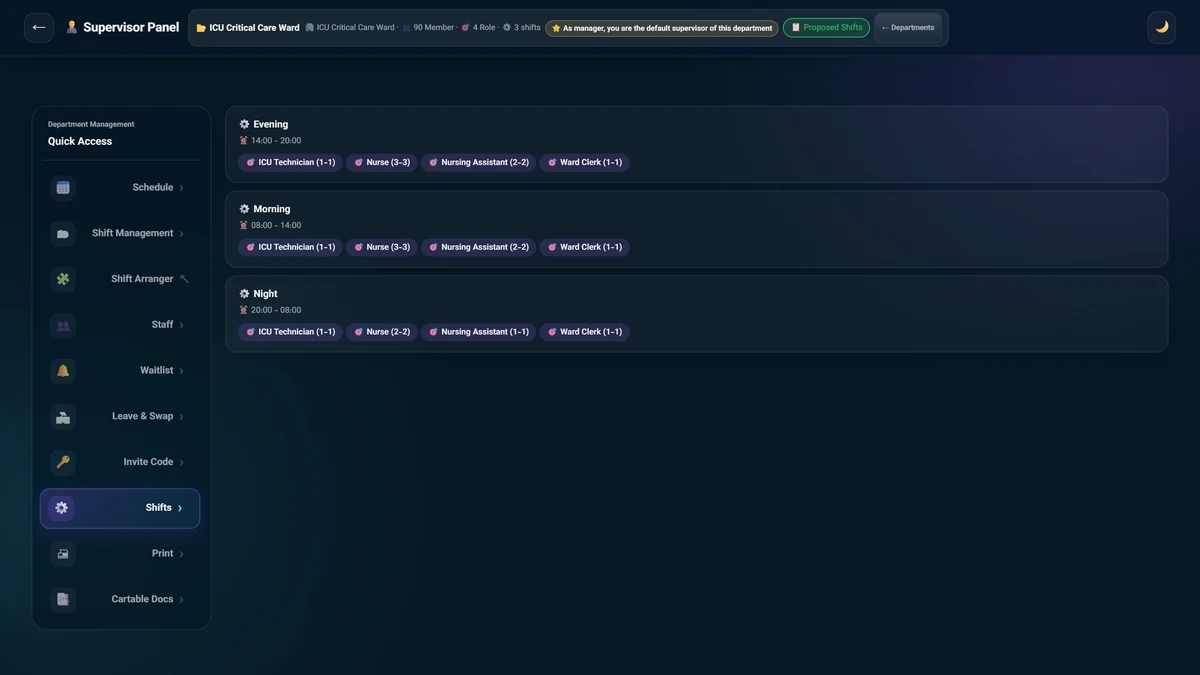
The rules of the set are above individual choice
The most important thing to remember about custom shift is the same thing in the product documentation: In both methods, the rules of the set are above individual choice. This means that freedom of choice in the desired shift is not absolute freedom; Freedom is within the law. Pre-defined rules and capacities are applied to the individual's selection and the employee can only choose from the options that the system has recognized for him. If a shift is inconsistent with a person's weekly cap limit, that option will not be displayed or disabled for them; Even if it has empty capacity. If a shift is specific to another role, the person will not see that different role in their list.
This design is a direct response to a common concern of managers: "If we leave the choice to the staff themselves, what about covering the hard parts?" The answer is that coverage of the hard parts is maintained through the "correctly defined capacity and rules" path, not through the "disallow selection" path. For sensitive shifts, the manager can fine-tune the capacity, define stricter role requirements, or specify the minimum composition of each shift; Then people's free choices are automatically made within this safe framework. This is why the quality of the arbitrary shift is directly tied to the quality of sector legislation: the more realistic sector legislation, the less risky the freedom of choice. The experience of nursing departments in this field in the article Nursing shift management and the basic principles of legislation in Shift adjustment It is explained.
Steps to start the desired shift and summarize
The start of the desired shift starts from the same point where all system processes start: the structure definition. First, the department, required roles, shifts and the capacity of each shift are defined once in the system; Then the employees become members with the specific code of the department and the role of each person is confirmed by the manager. After that, the selection window is announced and each person takes his shifts from among the virtual options allowed by the system. Each selection is immediately checked for capacity and rules, and at the end, the administrator checks and approves the completed view of the application. If a change is needed after approval, the path to continue in the article Leave and shift management It is explained.
In conclusion, the arbitrary shift can be considered as "law-based trust in the individual's choice": instead of tying the hands of the employee, the system creates a safe framework within which free choice does not harm the coverage of the department. The analogy of choosing a ticket seat conveys exactly the same feeling; You are free to take any empty seat, but you cannot sit on a sold seat and you cannot enter a hall for which you do not have a ticket. This simplicity and transparency increases the participation of staff in the planning process; Because each person sees that his choice is immediately and without mediation in the program. To take the next step, read Comprehensive Guide to Shift Management And talking to the product team about a two-month trial is the logical way forward.
| Hospital Role | Core Monthly Priority | Manual Bottleneck Today | Practical Outcome in Axis Puls |
|---|---|---|---|
| Shift Nurse / Staff | Predictable schedule and fair night rotation | Sending WhatsApp notes with no confirmation trail | Submit ranked preferences and track approval status |
| Head Nurse (Ward Lead) | Safe coverage across every shift without conflicts | Days spent rebuilding spreadsheets after one leave | Define ward rules once, generate drafts fast, sign off |
| Matron (Nursing Director) | Cross-ward balance and overtime visibility | Chasing mismatched Excel sheets across 10+ wards | Unified multi-ward oversight and clean sign-off trail |
| Hospital / HR Director | Compliance, cost control, and staff retention | Late attendance reconciliations and payroll disputes | Role-based access, audit logs, and verified monthly rosters |
To connect this workflow with adjacent tools and real examples, explore Live Shift Arranger Demo, Nurse Shift Guide, Head Nurse Software, Matron Oversight Guide, Clinical Productivity Law, Excel vs. Shift Software.
❓ Frequently Asked Questions from Real Workflows
Experience free choice within the law
Try for two months in the real conditions of your collection and then decide.
Start of trial periodOr test a simulated ward right now without signing up in the Live Interactive Shift Arranger Demo.