- Golden principle: The rule is defined once, it is re-enforced every month; The administrator does not review all rules every month.
- Structure order: Set definition → define sections → define roles → define shifts (specific to the role or the whole section).
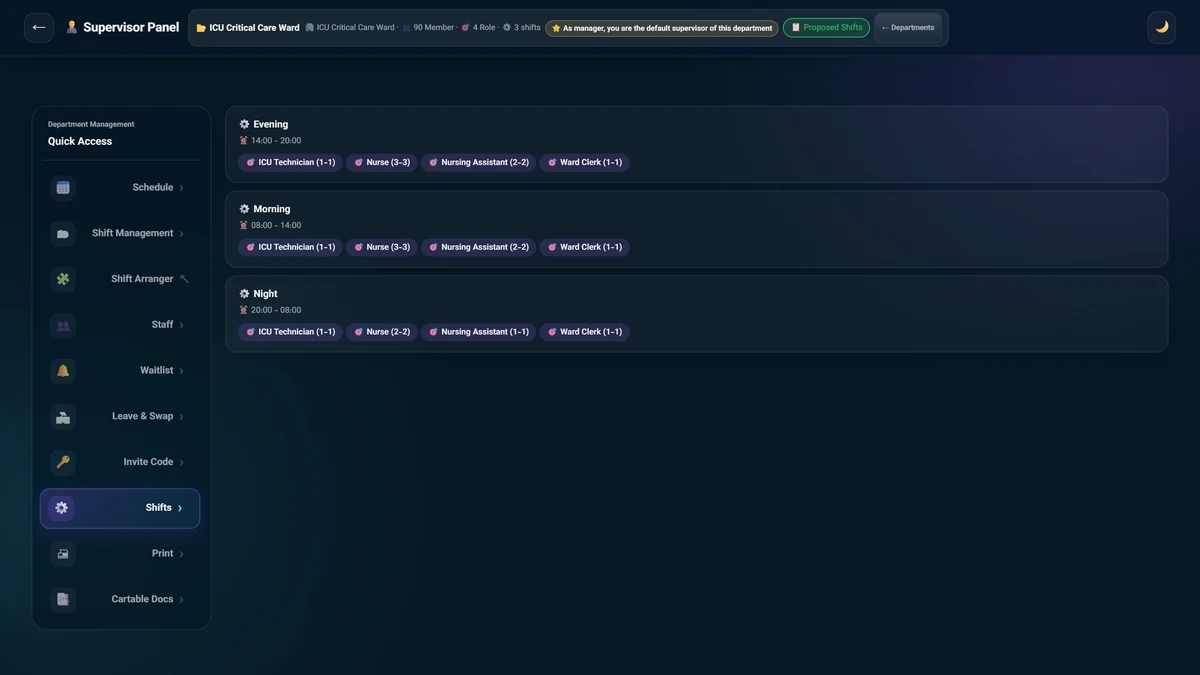
- Shift capacity: Minimum and maximum people, capacity by role and gender, and time, daily, weekly and monthly limits.
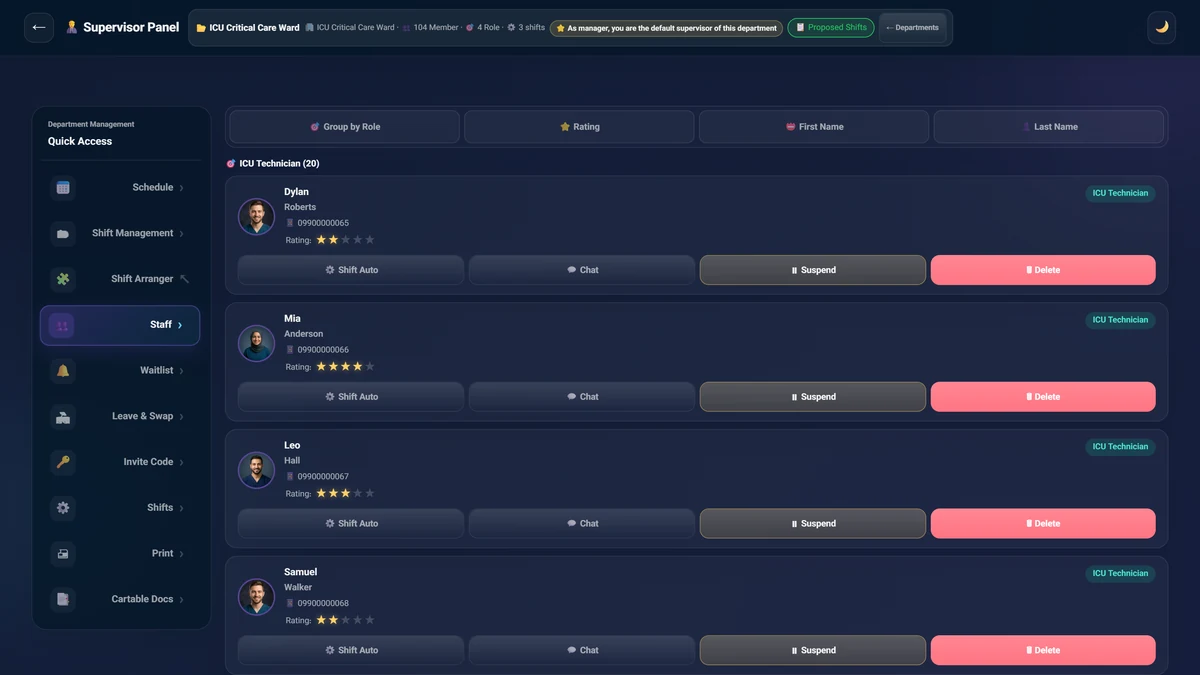
- Membership: The employee applies with the specific code of the department and chooses a role; The administrator reviews, corrects and approves.
System Rule defined once, run every month
Calculating seniority hour reductions and 1.5x night or holiday multipliers by hand across dozens of clinical staff turns every month-end into an error-prone marathon. This concise guide shows how to embed clinical hour rules directly into monthly roster building.
In the traditional method, the head nurse or the shift manager has to review all the rules from scratch every month: who can have how many night shifts per month, which department needs at least how many people, what are the limitations of each role, and dozens of other details. As the number of people and rules increase, this mental review takes days, and a small change can mess up several parts of the table. Definition of shift rules Axis Puls is designed to end exactly this repetitive cycle.
Structure of the collection; From hospital definition to shift definition
The structuring of the collection in Axis Puls proceeds step by step and from whole to component. This order is consciously chosen so that each layer is built on top of the previous layer and the rules of each section can be set accurately and independently. In the following, we will review all four stages with practical details.
A hospital or treatment center is defined in the system. This layer is the general umbrella of all departments and rules and enables the integrated management of different shift staff.
| Legal / Scheduling Factor | Effect on Monthly Roster | Common Spreadsheet Mistake | Structured System Control |
|---|---|---|---|
| 1.5x Night & Official Holiday Factor | Each night/holiday hour counts as 1.5 mandatory hours | Counting raw hours 1:1 until end-of-month payroll shock | Live cap tracking during roster generation |
| Seniority & High-Acuity Reductions | Mandatory weekly hours differ per nurse and ward | Applying one flat cap to every nurse | Per-role and per-person hour limits defined once |
| Post-Night Recovery Window | Blocks morning placement right after a night shift | Overlooked during mid-month manual edits | Automatic block on night-to-morning transitions |
| Auditability & Staff Trust | Objective count of nights, holidays, and total hours | End-of-month disputes over perceived bias | Transparent distribution summary before sign-off |
Shift capacity; From the minimum number of people to the time limits
Defining a shift without specifying the capacity is like drawing a table without a line. In Axis Puls, various restrictions can be set for each shift: minimum number of people, maximum number of people, Capacity based on the role of, Capacity by gender, different minimums and maximums, time limits, daily limits, weekly limits, monthly limits and other required rules of the collection. This diversity makes the system not only know "this person should have a shift", but also who, in what department, with what role, when, under what conditions and in what capacity can be in a shift.
Consider a concrete example: the night shift of an intensive care unit may require at least three people, at least two of whom are nurses, the night shift ceiling of each person per month is limited, and a certain gender composition is observed. Once these conditions are registered in the system, the layout engine checks all these conditions simultaneously when placing each person. If it is not possible to place a suitable person according to the defined conditions, the system does not violate the law; Rather, it declares that this shift cannot be completed according to the defined conditions so that the manager can make a management decision. This behavior keeps the system output verifiable and reliable.
Error-free implementation; Good structure makes good layout
The relationship between structure and layout is the relationship between map and building: the more accurate the map, the more reliable the building. When the set, departments, roles, shifts, capacities, and memberships are properly defined, the layout engine can handle employee requests - either as Suggested shift And what about the method Desired shift - check it with the same rules and put it in the program. If the structure is defined sloppily, the layout engine will not produce reliable output; So the obsession at this stage is the saving in all the later stages.
To get started, it is recommended to implement a whole section first: structure, roles, shifts, capacities and member membership. Advance an actual layout period with the same section, Leave and Assignment experience and see reports; Then extend the modified template to other sections. This gradual path simplifies the training of the team and quickly reveals errors in the definition of the rules. Details of implementation steps in the article Launch, trial period and price and the overview of the system can be found in the comprehensive guide Shift Management review
| Hospital Role | Core Monthly Priority | Manual Bottleneck Today | Practical Outcome in Axis Puls |
|---|---|---|---|
| Shift Nurse / Staff | Predictable schedule and fair night rotation | Sending WhatsApp notes with no confirmation trail | Submit ranked preferences and track approval status |
| Head Nurse (Ward Lead) | Safe coverage across every shift without conflicts | Days spent rebuilding spreadsheets after one leave | Define ward rules once, generate drafts fast, sign off |
| Matron (Nursing Director) | Cross-ward balance and overtime visibility | Chasing mismatched Excel sheets across 10+ wards | Unified multi-ward oversight and clean sign-off trail |
| Hospital / HR Director | Compliance, cost control, and staff retention | Late attendance reconciliations and payroll disputes | Role-based access, audit logs, and verified monthly rosters |
To connect this workflow with adjacent tools and real examples, explore Live Shift Arranger Demo, Nurse Shift Guide, Matron Oversight Guide, Clinical Productivity Law, Excel vs. Shift Software.
❓ Frequently Asked Questions from Real Workflows
Define the rules once; Manage every month
Test your portfolio structure in real-world conditions during the two-month trial period.
Start of trial periodOr test a simulated ward right now without signing up in the Live Interactive Shift Arranger Demo.