
- The shift management software is Definition of a rule of law. Each section and monthly execution is the same rule for automated design.
- The structure of The set by section, role, shift, capacity It comes and it's a daily, weekly, monthly ceiling.
- Two ways. The priority shift is 1 to 3. and Voluntary shift of permissible options It records the staff.
- The permit is managed within the list and Qualified people. They're displayed and the program is rewritten.
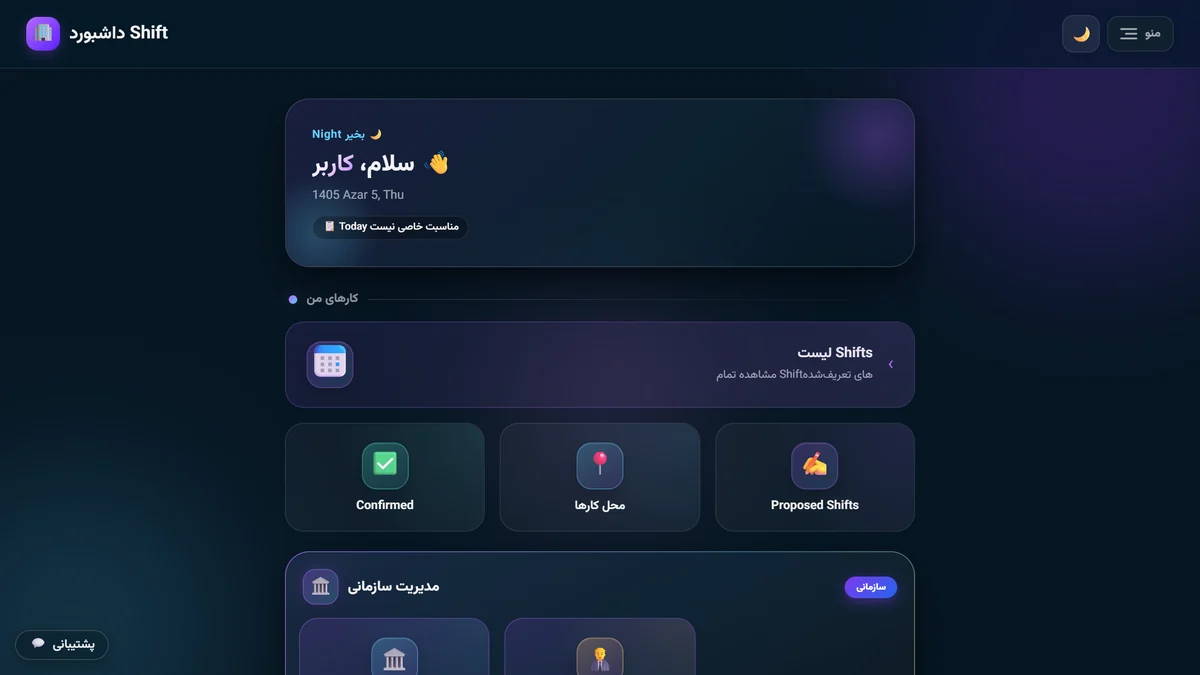
What is shift management software?
Choosing shift scheduling software gets tricky when every vendor promises effortless automation, yet your head nurses still face complex night rotations, holiday multipliers, and sudden sick calls. In this practical 5-minute guide, we break down what actually matters on a real ward—and how to test your own staffing mix in the live Shift Arranger demo before committing.
The Axis Puls structure is moved from set to set and from section to section to role and shift to function so that no ambiguity remains. The minimum and maximum capacity for each shift is specified and the required role and gender is also recorded in the code. Daily, weekly and monthly ceilings make it possible to include no staff beyond the allowable limits in the program.
What is shift planning software, shift planning, and staff shift adjustment?
Sign the final list in the cartel so that everyone knows the official and necessary schedule has been executed. Take the internal announcement seriously because many misunderstandings can only be resolved by timely notification. A successful monthly shift schedule starts with a precise definition of each shift, not a mental guess and experience. Write down the name of each shift first and the start and end times so that all staff have the same take-off. Then specify the minimum force required for each shift so that the cover floor of the section does not become empty on any given day.
The main issue is the complete coverage of the section without crossing the legal ceiling of each person. The Axis Puls records the minimum and maximum capacity for each shift and specifies the required role and gender. The daily, weekly and monthly ceiling prevents overwork from being exhausted. When a leave is registered, eligible persons are shown and the schedule is rewritten.
- It's best to write the ceiling of each section in advance in the law so that the cover is not empty.
- Register emergency leave promptly so that the program can be rewritten before the shift starts.
- An internal notice informs the new person and shift colleagues of the change.
- Explaining why the mental burden of protest is so great reduces the burden of protest because the decision is documented and defensible.
| Buyer Criterion | Excel & Chat Apps | Generic Time-Clock Tools | Clinical Shift Platform (Axis Puls) |
|---|---|---|---|
| 12h Rest & No Night-to-Morning | Manual visual checks prone to fatigue | Logs punches only after violations happen | Preventive rule check before roster sign-off |
| 1.5x Night/Holiday Factor & Hour Caps | Fragile hand-written formulas | Lacks ward-specific clinical rules | Configurable per ward, role, and seniority |
| Staff Shift Preferences | Scattered across paper notes and DMs | Rigid or nonexistent | Priority 1–3 requests inside one calendar |
| Pre-Purchase Validation | No automated constraint check | Requires server setup & sales call | Instant live Shift Arranger demo + 2-month pilot |
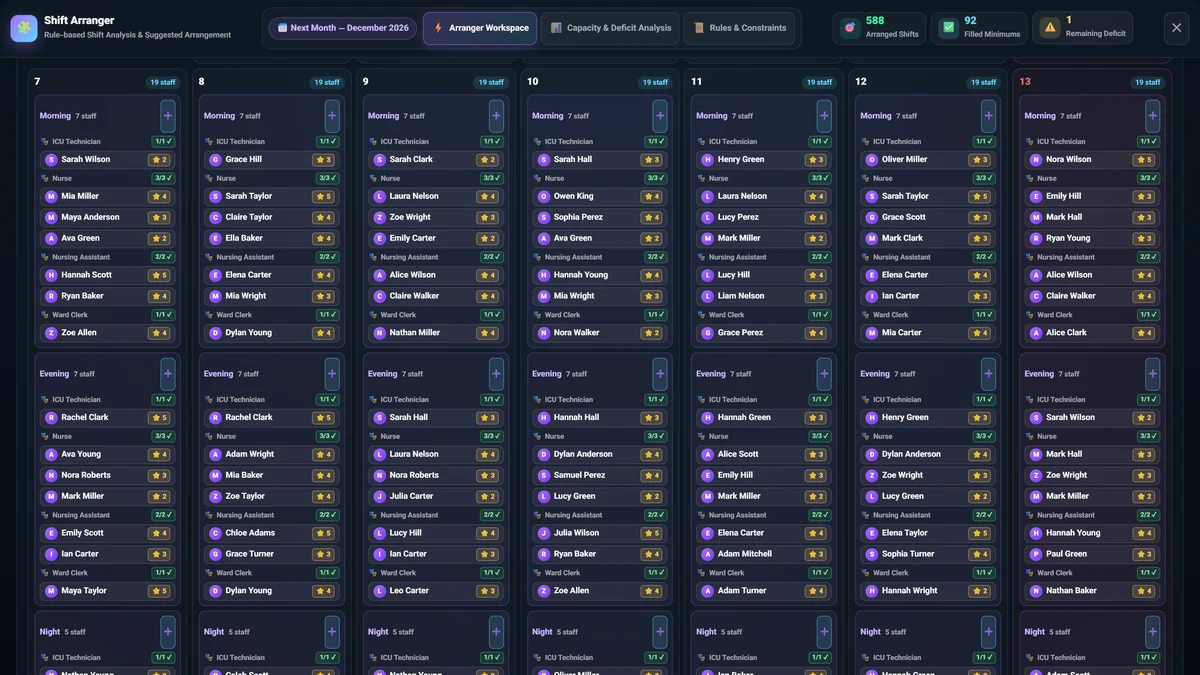
How do we automate the shift?
Automation starts with writing unknown rules. Whatever Hodners has in mind, such as requiring at least two nurses at night or a particular person not to stay overnight, should become a law. The law is defined once and is enforced every month, so it's worth the time.
There's no clear reason to be a part of Excel, but the system records a reason for each assignment. The archives and monthly reports are scattered in Excel, but they remain united and searchable in the system. Fair choice means that if your team is small and stable, you stay handy and if it grows, you get smart. The manual and the Excel method have real advantages, and denial is unfair and unprofessional. Excel is free and available, and it works perfectly for very small, few-powered sections.
Step by step launch and second test run.
The first week is the definition of the set and the section and the role and the shift with minimum and maximum capacity and daily and weekly and monthly ceilings. The second week is the distribution of the section specific code and the confirmation of the role of the members and the registration of the proposed shift with priority of one to three and the voluntary shift of the allowed options. The third week is the execution of the schedule and the reading of the reason for each assignment and the rehearsal of the schedule. The fourth week is the leave and assignment test with the display of the eligibility and rewrite of the program.
The shift allocation is also done by identifying eligible people so that the coverage of the section is not disturbed. The cost of the version is up to seventy-five people per month, two million five hundred thousand volumes and nineteen million volumes per year. The shift management software is simple in language, meaning a system that transfers the order of shifts from people's memory to transparent law. The administrator in this system defines the law of each section once and the same law is based on automatic checking every month.
| Hospital Role | Core Monthly Priority | Manual Bottleneck Today | Practical Outcome in Axis Puls |
|---|---|---|---|
| Shift Nurse / Staff | Predictable schedule and fair night rotation | Sending WhatsApp notes with no confirmation trail | Submit ranked preferences and track approval status |
| Head Nurse (Ward Lead) | Safe coverage across every shift without conflicts | Days spent rebuilding spreadsheets after one leave | Define ward rules once, generate drafts fast, sign off |
| Matron (Nursing Director) | Cross-ward balance and overtime visibility | Chasing mismatched Excel sheets across 10+ wards | Unified multi-ward oversight and clean sign-off trail |
| Hospital / HR Director | Compliance, cost control, and staff retention | Late attendance reconciliations and payroll disputes | Role-based access, audit logs, and verified monthly rosters |
To connect this workflow with adjacent tools and real examples, explore Live Shift Arranger Demo, Nurse Shift Guide, Head Nurse Software, Matron Oversight Guide.