Shift & Workforce
Smart conflict-free scheduling, hospital and department management, and every team tool — from priority entry to final sign-off.
📚 Complete guide
🚀 Quick start
❓ Frequently asked questions
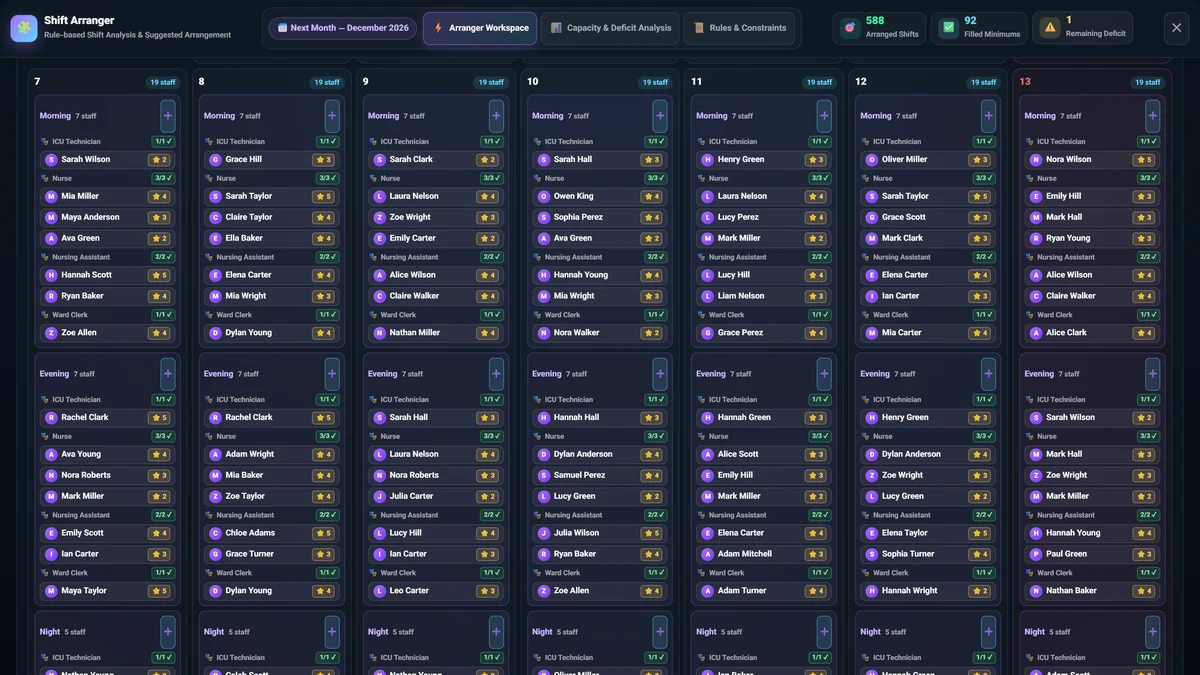
How does smart shift arrangement work?
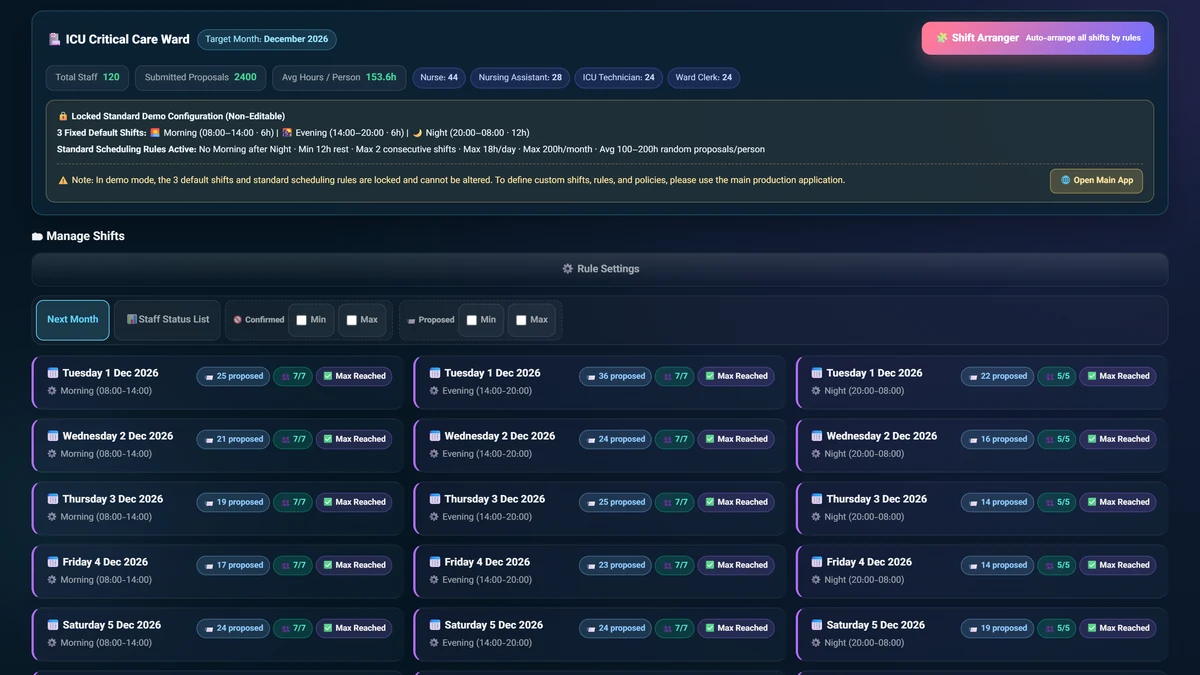
Rules, capacities and limits for each department are defined once and then applied automatically in later plans. Staff submit requests with priorities or pick from allowed options, and the manager reviews and approves the result.
What happens if a shift cannot be filled under the rules?
The system does not break rules to fill the table and reports the uncovered shift to the manager for a management decision. This approach helps keep the output reviewable and reliable.
How are leave and cover shifts handled?
The employee requests leave from inside the shift list and the system suggests eligible colleagues based on role, capacity and rules. After approval the plan is updated, without rebuilding the whole table manually.
Does the manager lose control of the plan?
No; the manager sets the rules, reviews the output and makes the final decision, while the system handles calculations and limit checks. A distribution review also helps the manager see the situation more clearly, without judging anyone.
Building Fair, Rule-Compliant Staff Schedules
Manual spreadsheets turn monthly hospital scheduling into error-prone guesswork and burnout complaints. This hub unifies our complete shift management pillar and hospital rostering architecture into one rule-driven workflow.
- Enforce clinical rest rules automatically: Prevent unsafe night-to-morning transitions and respect maximum weekly/monthly hour caps.
- Multi-tier hospital oversight: Coordinate head nurses, matron supervision, and hospital director reports cleanly.
- Handle last-minute absences smoothly: Use fast roster scheduling and leave workflows to surface qualified replacements fast.