- Issue: Team coordination gets lost in a few scattered messengers and an important announcement is not seen among hundreds of messages.
- Solution: Private chat for one-on-one conversation, group for team brainstorming, and channel for communication — all within Axis Puls.
- Tools: Voice message and file, quick response, search and pin, edit and delete message, notification bell and public message of the manager.
- Transparency: Employee performance evaluation is not a product capability; SMS notification is sent only if it is active.
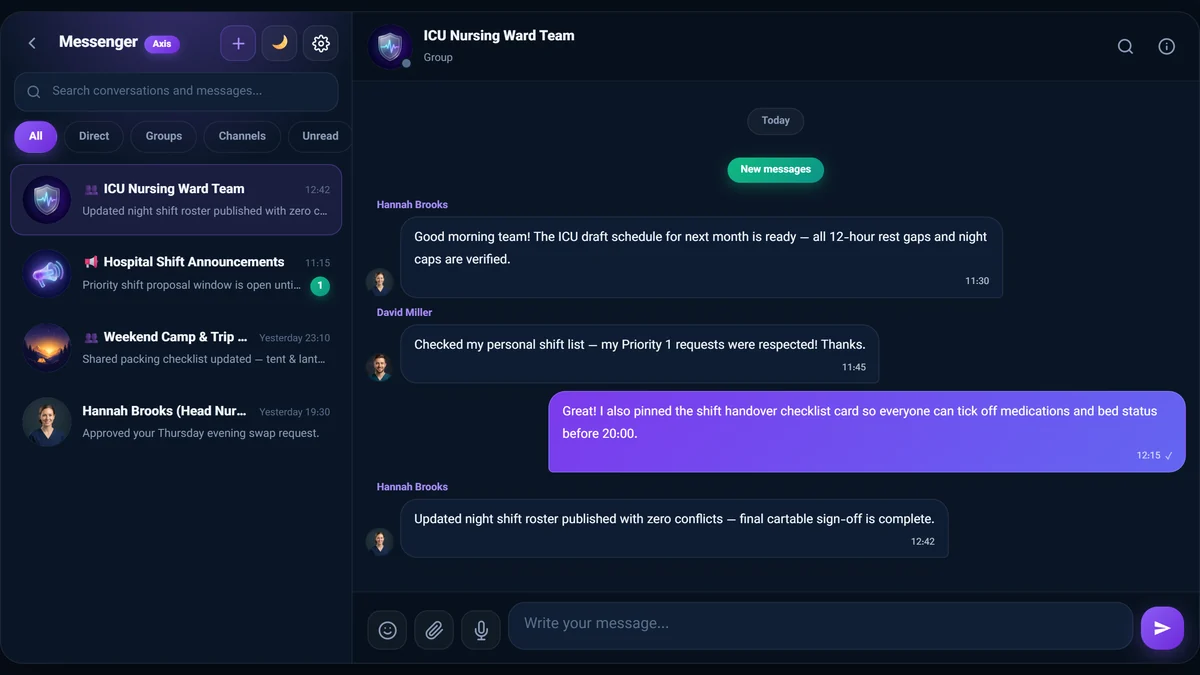
What does teamwork mean at Axis Puls?
A good workflow tool removes daily mental clutter instead of becoming another chore to maintain. In this clear 5-minute overview, see what is live today, how it compares side-by-side against manual habits, and get straight answers to common user questions.
Every team—from a hospital ward to a small administrative unit—needs dialogue to coordinate. The problem starts when this conversation spreads across multiple personal messengers, phone calls, and paper: decisions get lost, new people don't have access to the discussion history, and important announcements don't get seen among the scattered messages. The Axis Puls teamwork module brings this conversation into the system, where the same people's schedules and shifts already live. The result is an integrated work environment: coordination alongside the work schedule, not apart from it.
Private, Group and Channel: What Is Each For?
Choosing the right dialogue model is half of team discipline. Private conversation is for two-person talk: direct coordination between two colleagues, follow-up on a specific topic, or a conversation the whole team doesn't need to see. Group is built for multi-person discussion; all members can send messages, upload files and comment. For example, each department can have a separate group for each shift or unit so that one unit's topics don't get mixed with others. Channel, on the other hand, is one-way: the administrator or person in charge publishes the content and the members follow; suitable for announcements, instructions and news that must not get buried under replies.
Direct two-way talk; to pursue a specific topic between two colleagues without crowding the group.
| Module Capability | Current Live Status | Day-One Problem Solved | Best Fit For |
|---|---|---|---|
| Structured Logging & Unified Dashboard | Live & ready today | Replaces scattered paper notes and buried chat threads | Individuals, teams, and clinical staff |
| Calendar & Clear Priority Tagging | Live (installable PWA) | Prevents schedule clashes and keeps high-impact work visible | Shift nurses, ward leads, and households |
| Role Permissions & Invite Workflows | Live with invite codes | Protects sensitive records while keeping team status transparent | Head nurses, HR leads, and project groups |
| Advanced AI Assistant & Full Offline Mode | Coming soon (in development) | Communicated honestly upfront with zero exaggerated claims | Transparent evaluation before rollout |
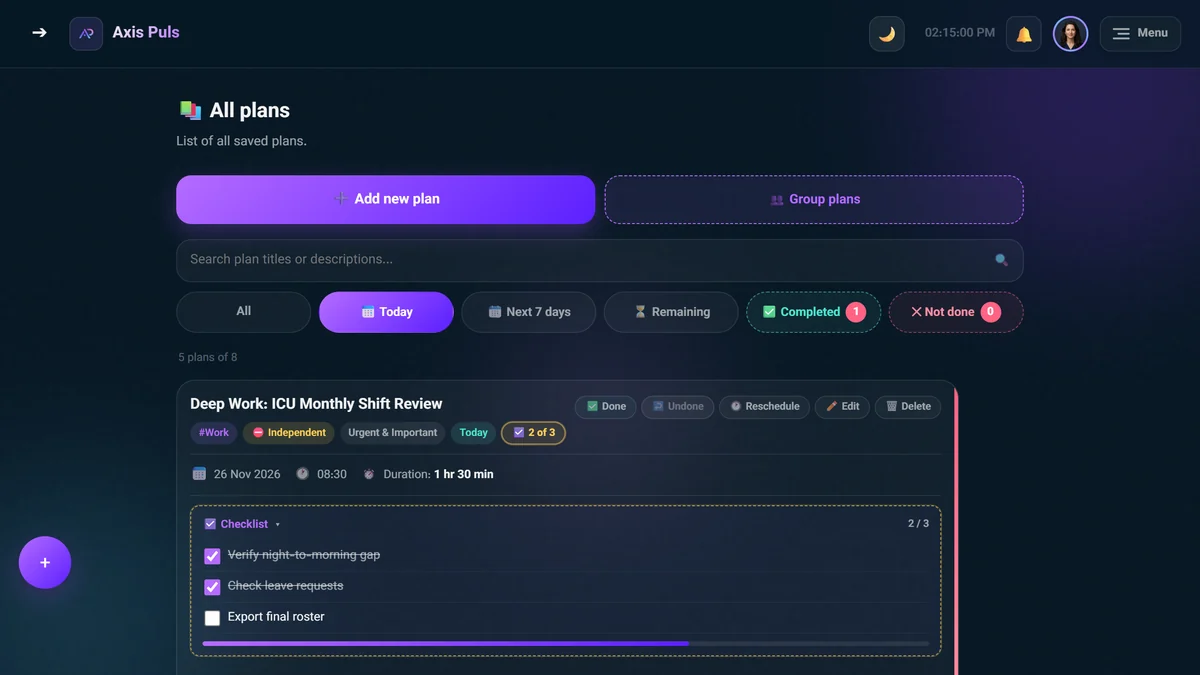
Voice Messages, Files, Reactions and Message Management
Sometimes writing is the slowest way to say it. Voice messages are for those moments: when your hands are full, when the explanation is long, or when tone matters. Sending files and photos turns conversation into action: the image of a document, the file of an instruction or the photo of a situation are shared directly in the same conversation, and you don't need to go to another tool for each file.
For more order, there are some small but useful tools. reaction That is, show your quick opinion on a message without sending a new message; For example, confirming a coordination. This simple task will prevent dozens of "OK" and "OK" text messages. pin It keeps the important message above the conversation so that it is always visible. search It pulls out the old word from the heart of history. And if you write wrong, Edit and delete The message is available. These are the small details that make the difference between a busy messenger and a business messenger in daily use.
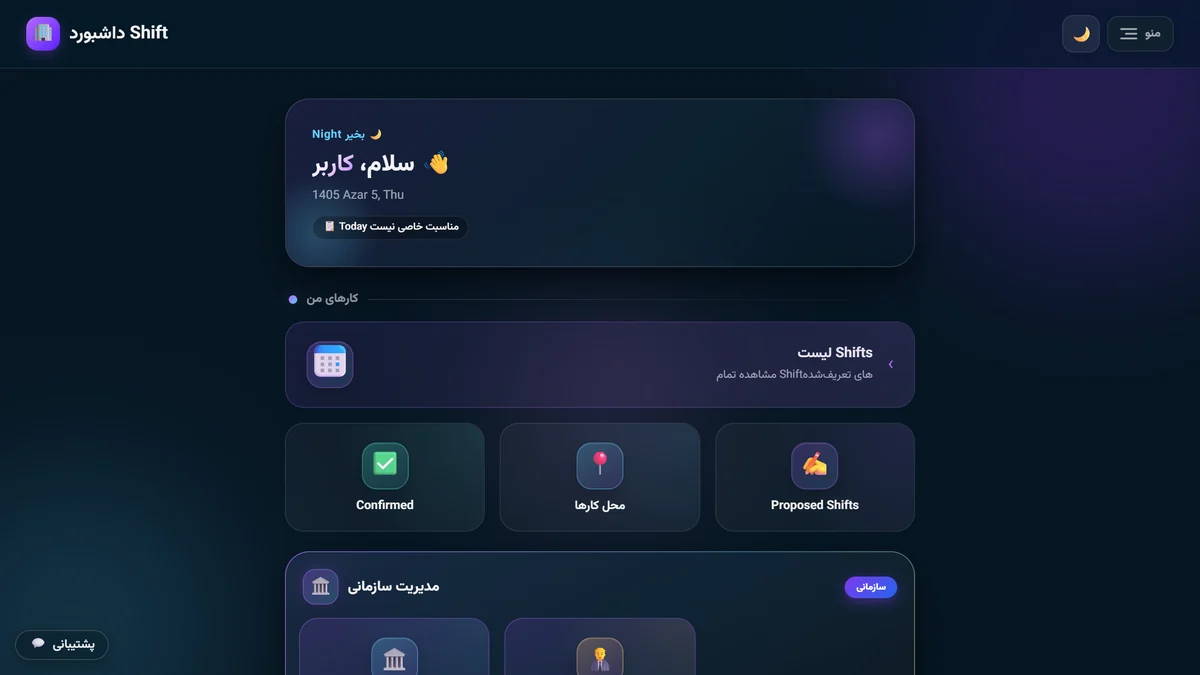
Use in healthcare departments and work teams
In hospital departments, coordinating shifts is vital. Each department can have groups for their shifts: coordination of shift delivery, daily transfers and urgent notifications are all done in the same group. Fixed department announcements — such as guidelines and changes to procedures — are posted to the channel so they're always available and don't get mixed up with day-to-day messages. Because the shift management is also in the same system, the conversation and the work schedule are together; You don't need to leave the messenger to see the shift.
In work and administrative teams, the same pattern works: one group for each project or unit, one channel for management announcements, and a private chat for two-person follow-ups. If your team holds regular meetings, the Meeting Planning article covers how to organize them. And a final reminder: we didn't use any numbers on this page to prove superiority; We leave the judgment to your actual experience with the product.
The heart of this module is the organizational messenger with three conversation models: private for one-to-one talk, group for multi-person discussion and channel for announcements. Around this core are practical tools: voice messages and files for when writing is not enough, reactions for quick responses without cluttering the conversation, search and pinning to find and keep important messages, edit and delete to fix mistakes, a notification bell to stay informed, and the manager's broadcast message for announcements everyone must see. For more on group coordination at work, see the Group Planning article.
Important note about honesty: What you read on this page is what is active in the product. Employee performance evaluation is not currently a product feature and we don't list it as a module feature. Also, you will not see any undocumented numerical statistics or ranking claims on this page; Because without documents, we do not claim.
Multi-person discussion where everyone can send messages; for example, one group for each shift, unit or project.
One-way publication from the administrator to the members; notifications and instructions are always available.
To connect this workflow with adjacent tools and real examples, explore Live Shift Arranger Demo, Nurse Shift Guide, Head Nurse Software, Matron Oversight Guide, Clinical Productivity Law.
❓ Frequently Asked Questions from Real Workflows
Integrate team conversations
Create groups for your unit or shift and publish announcements in the channel.
Start collaborating as a team