
- A group plan is a shared event with a formal in-app invite: the organizer invites, everyone approves or declines, and all see one schedule.
- Invite by phone number in Axis Puls — no prior account needed on the other side.
- Up to 50 people per plan and saved friend groups up to 100 members.
- Automatic reminders, conflict detection and Jalali dates cut no-shows to near zero.
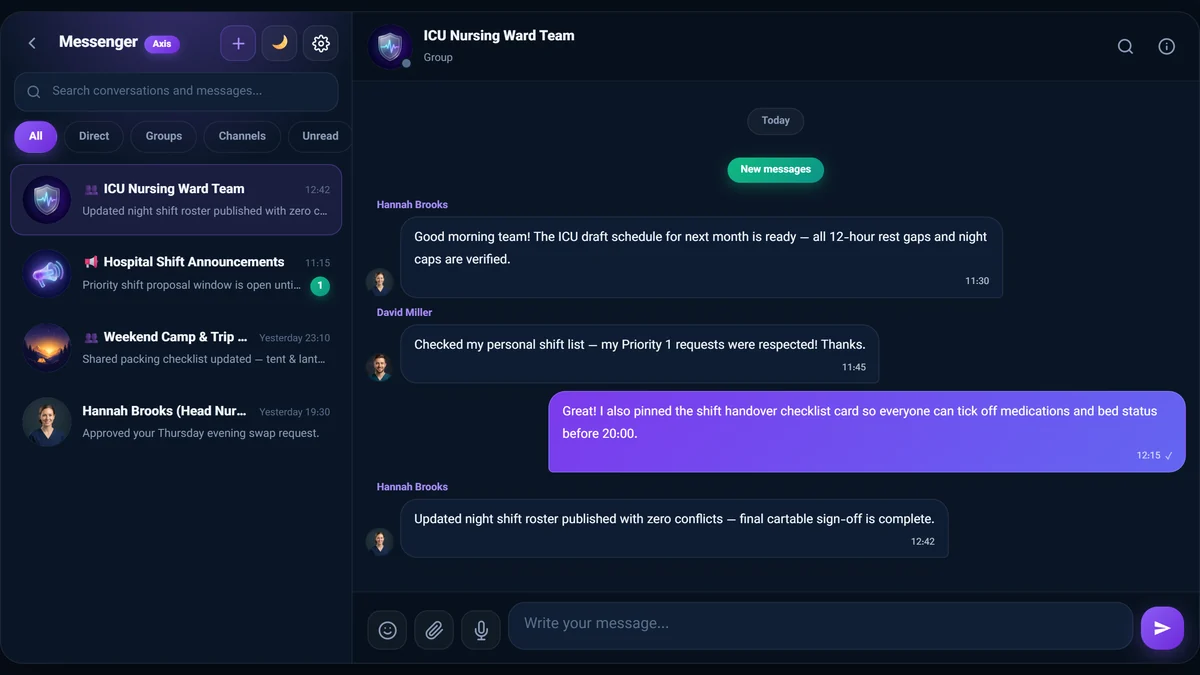
Online Group Schedule Builder (Copy & Share With Your Group)
Map out meet-up times, prep tasks, main activities, and expense wrap-up without chat chaos — copy clean text, export .ics, or save.
Live preview of your schedule
Why group coordination usually fails
Planning anything with friends or teammates—a road trip, camping weekend, workout habit, or team sprint—quickly unravels when RSVPs, packing items, and shared bills get buried inside a noisy group chat. Here is a clean 5-minute playbook for friction-free group coordination.
Planning anything with friends or teammates—a road trip, camping weekend, workout habit, or team sprint—quickly unravels when RSVPs, packing items, and shared bills get buried inside a noisy group chat. Here is a clean 5-minute playbook for friction-free group coordination.
Creating a group plan step by step
In “Add plan”, set the audience to friends (group plan):
- Write a precise title and short description (e.g. “Tochal peak — Friday 6 AM”).
- Enter members’ phone numbers, one per line; no prior account needed.
- Set Jalali date, start time and duration so it lands in everyone’s calendar.
- Add reminders; the app notifies all at the right hour.
| Group Coordination Dimension | Scattered Messenger Group Chats | Structured Group Plan in Axis Puls |
|---|---|---|
| Headcount Confirmation | Vague 'maybe' replies buried under 200 off-topic messages | Clear invite flow with explicit Accept / Decline status |
| Shared Gear & Task Split | Two people buy charcoal while nobody brings the first-aid kit | One shared checklist attached directly to the event |
| Time or Venue Updates | Latecomers miss changes scrolled out of view | Single source of truth for date, time, and plan notes |
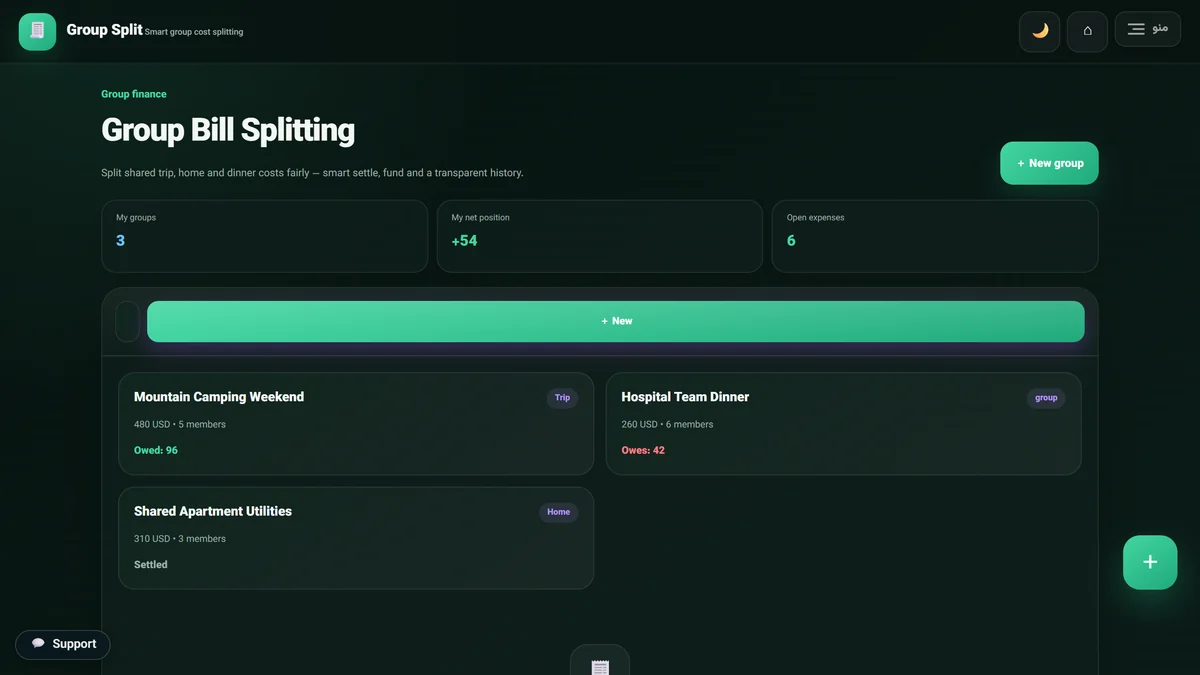
| Splitting Shared Costs | Awkward spreadsheet math days after the trip ends | Built-in group expense tracking and simplified settlement |
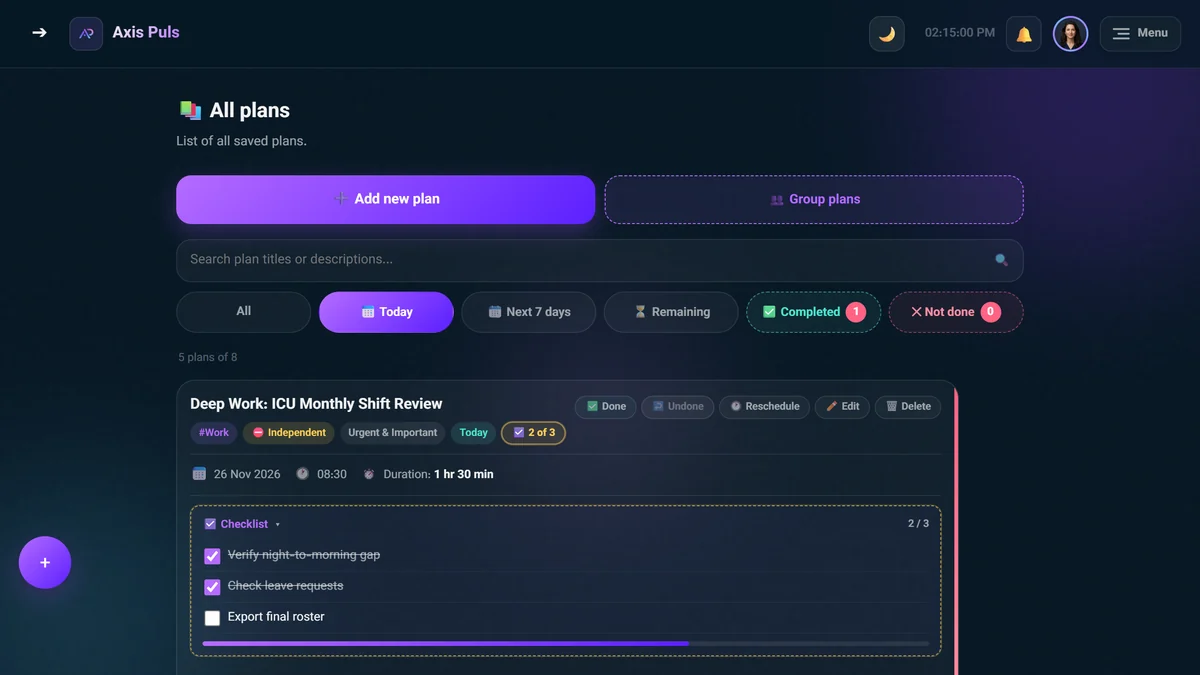
Five tips for maximum turnout
Instead of designing an elaborate system you abandon by Thursday, spend just three minutes each evening closing open loops and picking tomorrow's top three items inside your personal planner. Small, steady habits beat occasional perfection every time.
- Title with exact time and place, not “let’s go out Friday”.
- Complete the description: cost, gear, meeting point.
- Remind at least twice (night before + morning of).
- Save a friend group for fixed circles.
Instead of designing an elaborate system you abandon by Thursday, spend just three minutes each evening closing open loops and picking tomorrow's top three items inside your personal planner. Small, steady habits beat occasional perfection every time.
- Write a precise title and short description (e.g. “Tochal peak — Friday 6 AM”).
- Enter members’ phone numbers, one per line; no prior account needed.
- Set Jalali date, start time and duration so it lands in everyone’s calendar.
- Add reminders; the app notifies all at the right hour.
- Title with exact time and place, not “let’s go out Friday”.
- Complete the description: cost, gear, meeting point.
- Remind at least twice (night before + morning of).
- Save a friend group for fixed circles.
Recurring plans: weekly team meetings and classes
Many group plans are not one-offs: the weekly team meeting, Saturday language class, Wednesday football. Rebuilding them manually every week is tedious and forgettable. The fix is a “mother plan” with auto-repeat: build once (members, fixed venue, description), set weekly recurrence, and the system spawns each new instance itself with reminders intact.
Three rules for healthy recurring plans: first, a clear cancellation policy — who announces, and how late, when one session drops? (Suggestion: the owner, 12 hours ahead.) Second, a quarterly review — ask every three months whether this meeting is still needed; dead meetings kept from habit drain team energy. Third, floating membership for friend circles — “optional each week” attendance so nobody feels guilty for skipping; voluntary turnout outlasts forced turnout.
| Preparation Wave | Critical Items & Actions | Common User Mistake | Practical Fix Inside Your Plan |
|---|---|---|---|
| Wave 1: 3–7 Days Ahead | IDs/documents, bookings, essential meds, budget, role split | Packing clothes first and leaving documents to the night before | Pin non-negotiable items at the top of the plan checklist |
| Wave 2: Night Before | Main bag/gear setup, charging devices, home/venue prep | Relying on tired late-night memory | Tick items off one by one as they enter the bag |
| Wave 3: Final 30 Minutes | Keys, phone, bank cards, charger in wall socket, meeting deck | Leaving everyday essentials plugged into the wall | Run a 2-minute doorway scan before stepping out |
| Post-Event Wrap-Up | Settle shared expenses and note missing items for next time | Rebuilding the same list from scratch next month | Reuse your saved plan checklist as a proven template |
Familiar story: 40 messages for a weekend hike, three people understood three times, two forgot on the day. The problem is no single source of truth — messengers are for talking, not committing.
The fix is separating talk from record: one formal group plan holding time, place, members and each person’s status.
To connect this workflow with adjacent tools and real examples, explore Personal Planner, Eisenhower Matrix, Time-Blocking Guide, Weekly Planning, Smart Checklists, Personal Finance Tracker.