Chat & Management Through Conversation
Get work done where you talk about it: team messenger, voice messages, secure files and management cards inside chat.
📚 Complete guide
🚀 Quick start
How Chat Connects Directly to Plans & Shifts
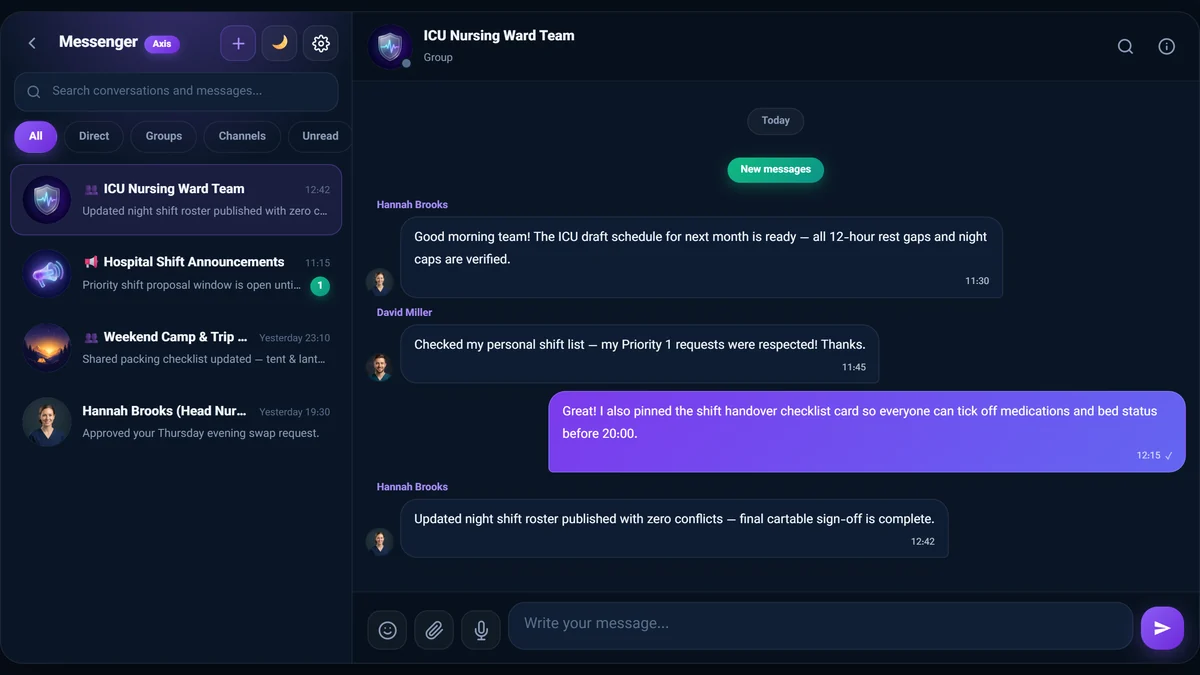
Important tasks often get buried when team messaging lives separately from schedules. Axis Puls links chat-driven task coordination directly with group planning and shift workflows so conversations immediately become trackable commitments.
- Interactive action cards: Send plan invitations and shift-swap requests inside chat threads so members confirm with one tap.
- Focused broadcast channels: Keep official ward notices, schedule updates, and team announcements separated from casual chat noise.
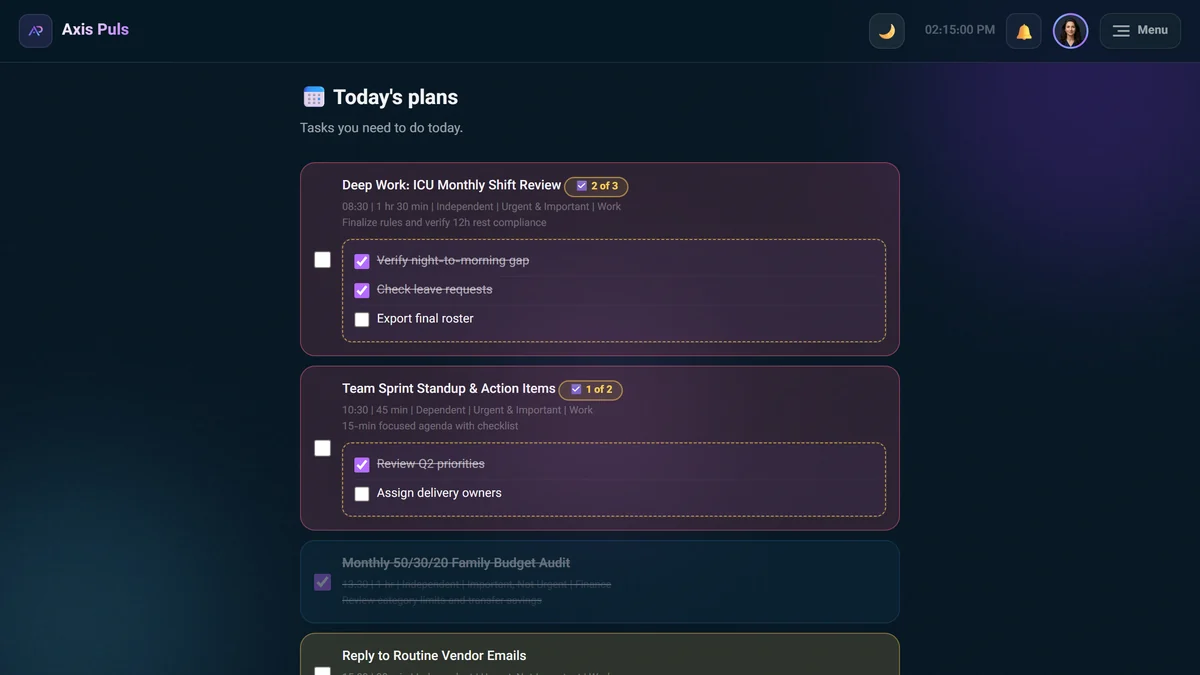
- Structured personal follow-up: Pair shared conversations with your personal timeline and timely reminders.
When should teams adopt integrated planning chat? Whenever fast decisions on group meetings, shift handovers, or urgent reminders usually vanish inside crowded social messengers. Keeping action cards, broadcast announcements, and member confirmations tied to real schedules ensures discussions translate directly into completed work with clear accountability.
❓ Frequently asked questions
What is the Axis Puls chat for?
A team messenger is provided for direct, group and channel announcements. You can coordinate and follow up in the same place where you discuss the work.
Are voice notes and secure files supported?
Yes; voice messages and secure file sharing are available in conversations for faster coordination. An announcement channel also helps important notes avoid getting lost among chats.
What are management cards inside chat?
Group-plan invites and shift-swap requests can appear as cards inside the conversation. Members can review and approve right there, without opening another page.
Does chat replace other tools?
The aim is fewer scattered messages and coordination kept beside plans, shifts and finance. You control what is shared, where and with whom.