Group Planning
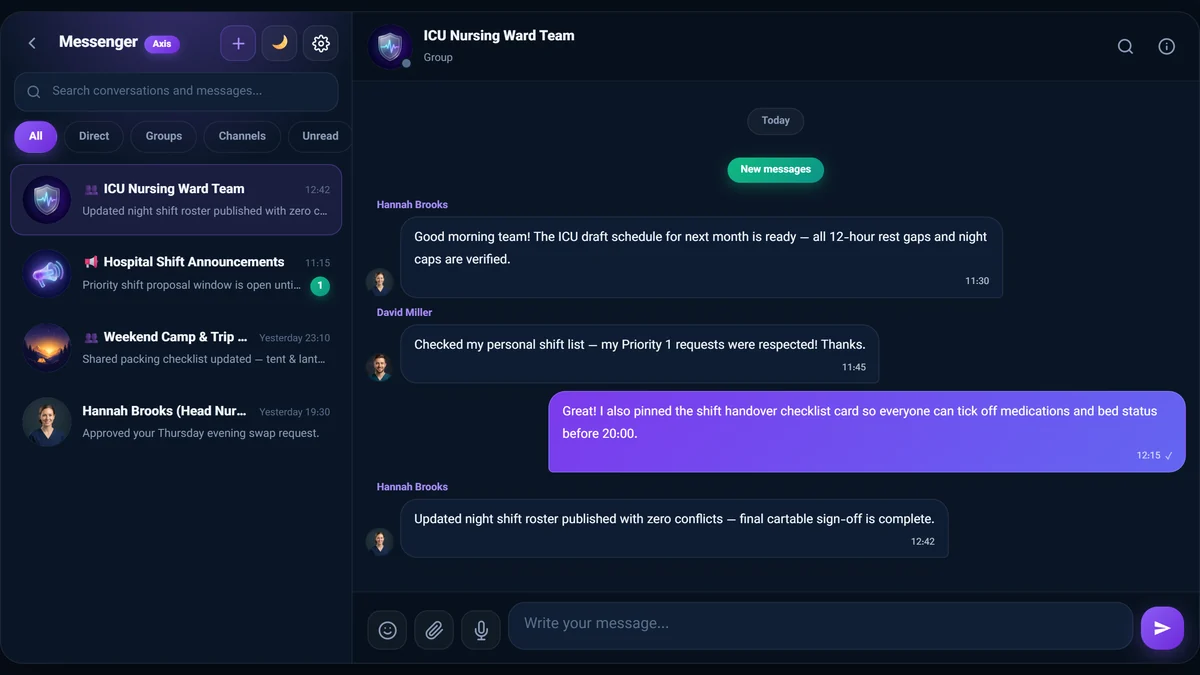
From idea to execution, together: invite members, approve or decline, and coordinate automatically — without dozens of scattered messages.
📚 Complete guide
🚀 Quick start
❓ Frequently asked questions
How do I create a group plan with friends?
You create the plan and invite friends; anyone interested confirms to add it to their own plans. Invites are approved or declined in one click in the group-plan inbox.
What is available for travel, gym and camp?
You can divide duties and build a shared checklist for items and tasks. This structure supports coordination and reduces scattered messages.
What if someone declines the invite?
Declining does not delete the whole plan and other members can continue. Since each invite status is visible, the organizer can adjust capacity realistically.
Can I attach a checklist and routine to a group plan?
Yes; inside each plan you can add an item checklist and set routines for repeating items. On the due day a reminder is shown so preparation is not forgotten.
How Successful Group Plans Avoid Conflicts
Coordinating friends or project teammates fails when times, tasks, and shared budgets stay scattered across chat threads. Using the complete group planning guide, every member sees time conflicts upfront and confirms attendance cleanly.
- Clear role and gear ownership: Attach shared checklists so nobody forgets essentials or brings duplicates.
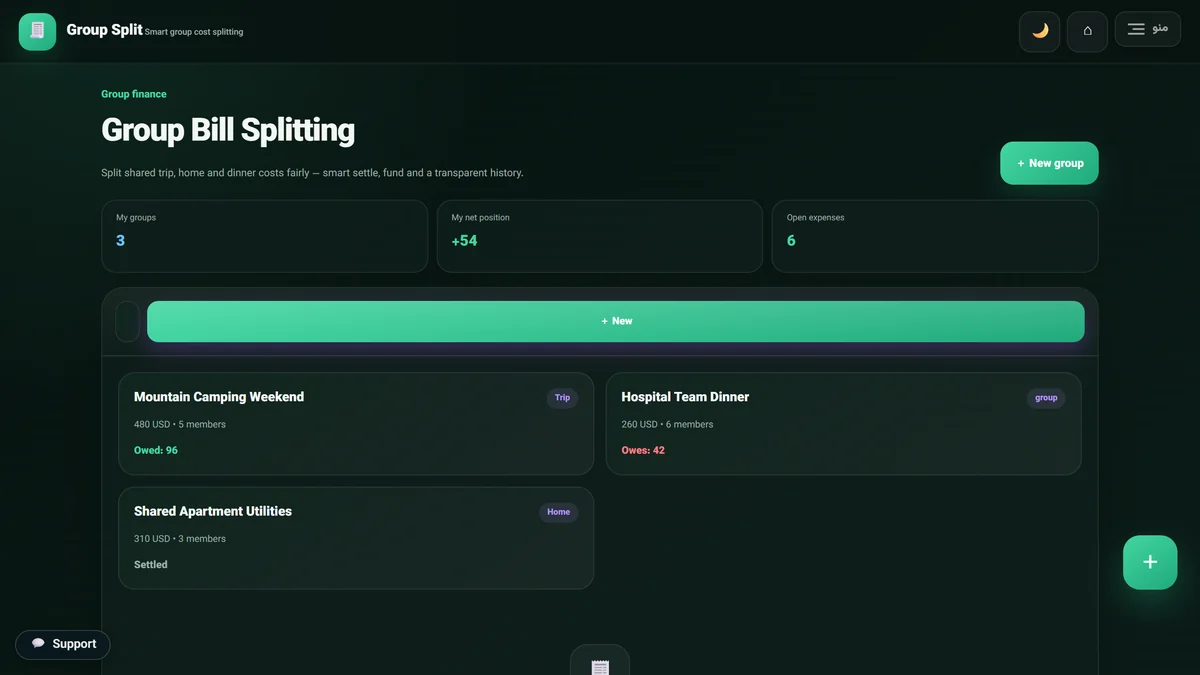
- Transparent shared budgets: Pair events with group expense splitting to track deposits and settle balances fairly.
- Built for real outings: Tailored guides cover group travel, gym workouts, and camping trips.
Each shared event integrates directly with every participant’s personal schedule, surfacing overlapping commitments before you lock final departure dates, workout slots, or project sessions. Combining attendance confirmation, shared item checklists, and transparent bill splitting eliminates long chat threads and last-minute confusion for every organizer.